
← Choose a different edition
How to play · Java Edition
Your launch coordinates.
One address for the whole network. Copy it, paste it into Minecraft, and you're in.
- Java Edition
- Versions 1.9 - 26.2
From the title screen to your first block.
Launch Minecraft: Java Edition
Any version from 1.9 - 26.2 works. Bedrock Edition (consoles, phones, Windows “Bedrock”) isn't supported.
Add the server
Click Multiplayer → Add Server, give it a name, and paste
play.universal-mc.comas the Server Address. Click Done, then Join Server.Arrive in the hub
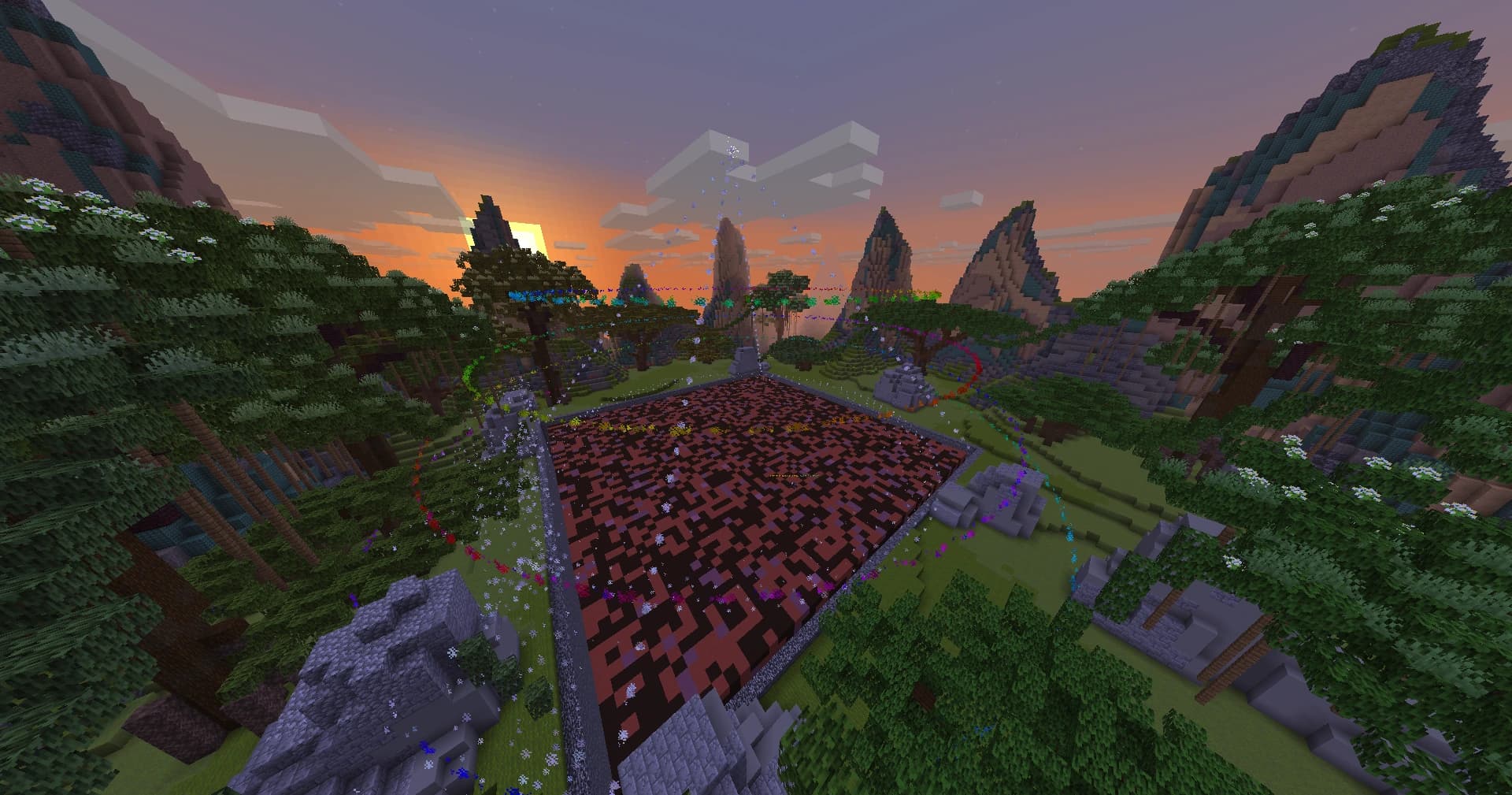
Every player lands in the network lobby first. Try the parkour while you're there, or run
/discordfor an invite to our community.Pick a gamemode
Use the hub's server selector, or type
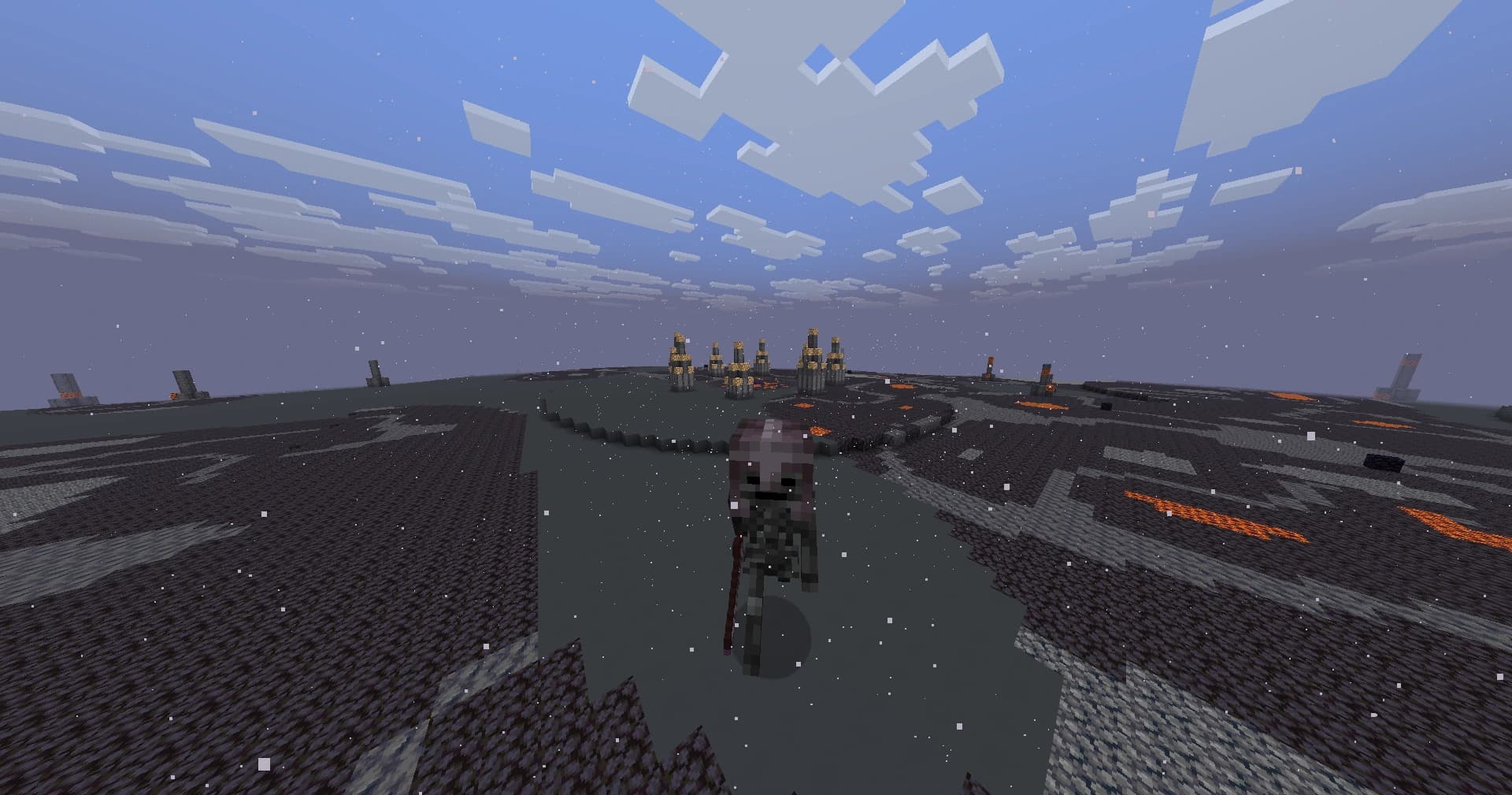
/prisonsor/skyblock./hubbrings you back at any time.
Commands worth knowing
- /hub
- Return to the lobby
- /prisons · /skyblock
- Travel to a gamemode
- /vote
- Vote for rewards
- /coinshop
- Spend Coins on ranks for the gamemode you're on
- /store
- Get a link to the Coin Store
- /link
- A one-time code to sign in on this website
Can't connect?
- Double-check the address is exactly
play.universal-mc.com- no spaces, nothing extra. - Make sure you're on Java Edition and a version between 1.9 - 26.2.
- Restart Minecraft and refresh the server list - your connection or the server may have hiccupped.
- Still stuck? Ask in our Discord (opens in a new tab) or check the FAQ.
Before you dive in, take a minute to read the server rules.